Page 2 of 5
Re: Help with Linux Mint
Posted: Thu Jun 11, 2026 3:52 pm
by cooltwou
it shows the folder under this /opt/ums but it doesn't allow you to put a folder in there zipped or unzipped and sudo-V says this:
Sudo version 1.9.15p5
Sudoers policy plugin version 1.9.15p5
Sudoers file grammar version 50
Sudoers I/O plugin version 1.9.15p5
Sudoers audit plugin version 1.9.15p5
Re: Help with Linux Mint
Posted: Thu Jun 11, 2026 4:08 pm
by boss
If I am understanding correctly,
The command from the opt folder: "sudo mkdir ums" worked.
But
The command to copy the install file "UMS-Linux-15.6.0-x86_64.tgz" by using sudo is not working.
How are you trying to copy "UMS-Linux-15.6.0-x86_64.tgz" to the /opt/ums folder?
Or is it
You can copy the "UMS-Linux-15.6.0-x86_64.tgz" file to /opt/ums and the unpacking using the command: "sudo tar -xvzf UMS-Linux-15.6.0-x86_64.tgz"
does not work.
Re: Help with Linux Mint
Posted: Thu Jun 11, 2026 4:39 pm
by cooltwou
the problem here is you can ses the folder but you can't copy anything in the folder it just keeps saying permission denied You can copy the "UMS-Linux-15.6.0-x86_64.tgz" file to /opt/ums and the unpacking using the command: "sudo tar -xvzf UMS-Linux-15.6.0-x86_64.tgz"
does not work. and it lets you unzip but you can't put anything in that folder
when you enter sudo tar -xvzf UMS-Linux-15.6.0-x86_64.tgz you get this:
udo tar -xvzf UMS-Linux-15.6.0-x86_64.tgz
[sudo] password for cooltwou:
tar (child): UMS-Linux-15.6.0-x86_64.tgz: Cannot open: No such file or directory
tar (child): Error is not recoverable: exiting now
tar: Child returned status 2
tar: Error is not recoverable: exiting now
cooltwou@Cooley-Home-Network:~$ sudo tar -xvzf UMS-Linux-15.6.0-x86_64.tgz
tar (child): UMS-Linux-15.6.0-x86_64.tgz: Cannot open: No such file or directory
tar (child): Error is not recoverable: exiting now
tar: Child returned status 2
tar: Error is not recoverable: exiting now
cooltwou@Cooley-Home-Network:~$
Re: Help with Linux Mint
Posted: Thu Jun 11, 2026 4:47 pm
by boss
Perhaps the folder needs creating first.
Do you have a folder: /opt/ums/ums-15.6.0/ ?
If not try creating the folder first.
From /opt/ums/
sudo mkdir ums-15.6.0
Then try: "sudo tar -xvzf UMS-Linux-15.6.0-x86_64.tgz" again.
Re: Help with Linux Mint
Posted: Thu Jun 11, 2026 5:19 pm
by cooltwou
i have a folder called opt and it has a ums folder in it I attached a picture that shows I have the folder made on my laptop
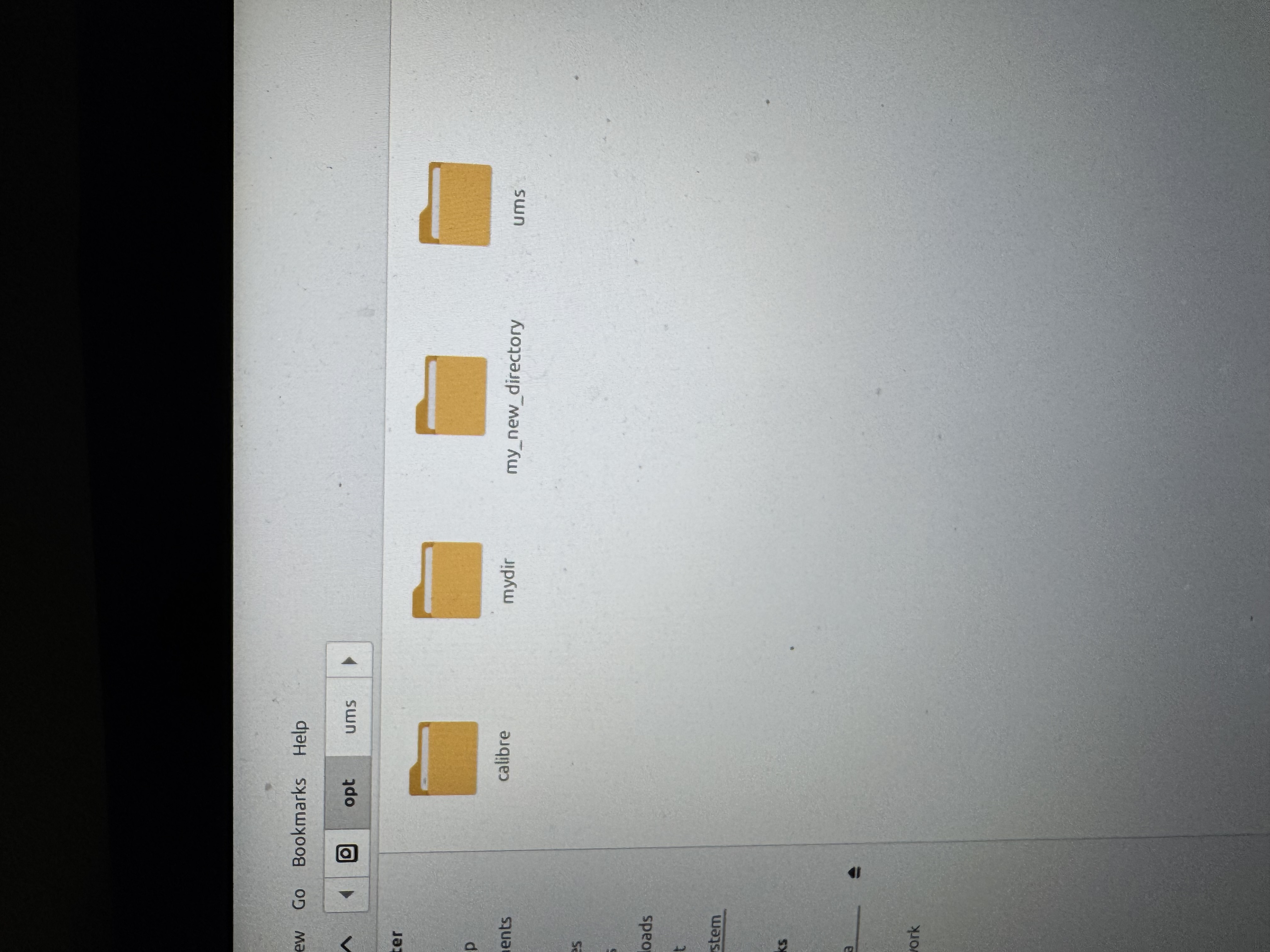
- IMG_2422.jpeg (2.22 MiB) Viewed 7073 times
Re: Help with Linux Mint
Posted: Thu Jun 11, 2026 5:32 pm
by boss
What is inside the ums folder ?
And ... Are doing this from your laptop in gui or are you using the command line interface on your Linux computer?
Re: Help with Linux Mint
Posted: Thu Jun 11, 2026 5:55 pm
by cooltwou
I was trying to transfer from downloads folder to the UMS folder and in the opt ums folder nothing is in it and the picture shows what is in the other ums folder
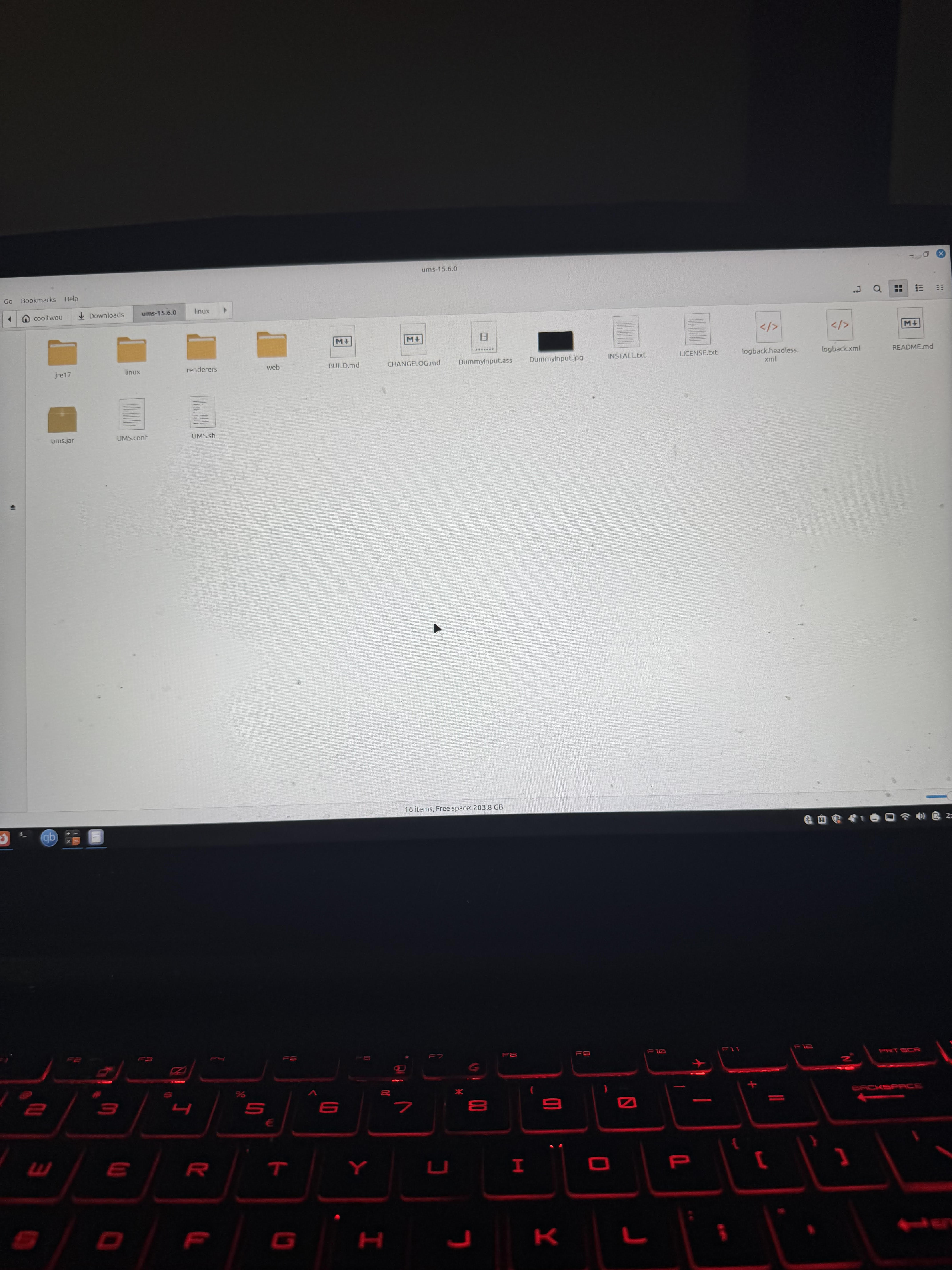
- unnamed.jpg (1.43 MiB) Viewed 7066 times
Re: Help with Linux Mint
Posted: Thu Jun 11, 2026 6:11 pm
by boss
We are not going to get very far if you don't answer my questions.
What is inside the ums folder ?
Is english not your language? Are you using a translator to read and answer my questions?
You have done an install to the downloads folder.
Do this:
cd /opt/ums/
ls -l
Post the output
Re: Help with Linux Mint
Posted: Thu Jun 11, 2026 6:28 pm
by cooltwou
English is the only I speak language & the OPT/UMS has nothing in it & it doesn't let you transfer anything to it either & ls -l /opt/ums says total zero and I have folder up 15.6.0 & it just keeps saying this Error moving file /home/cooltwou/Downloads/ums-15.6.0/jre17: Permission denied even you try to transfer the whole folder or you folder & try to transfer individual folders into the OPT/UMS folder you still get the same error message
Re: Help with Linux Mint
Posted: Thu Jun 11, 2026 6:42 pm
by boss
This is using the terminal when this problem happens. NOT using the GUI?
and
Where is the file "UMS-Linux-15.6.0-x86_64.tgz" located now.